Inviting one person:
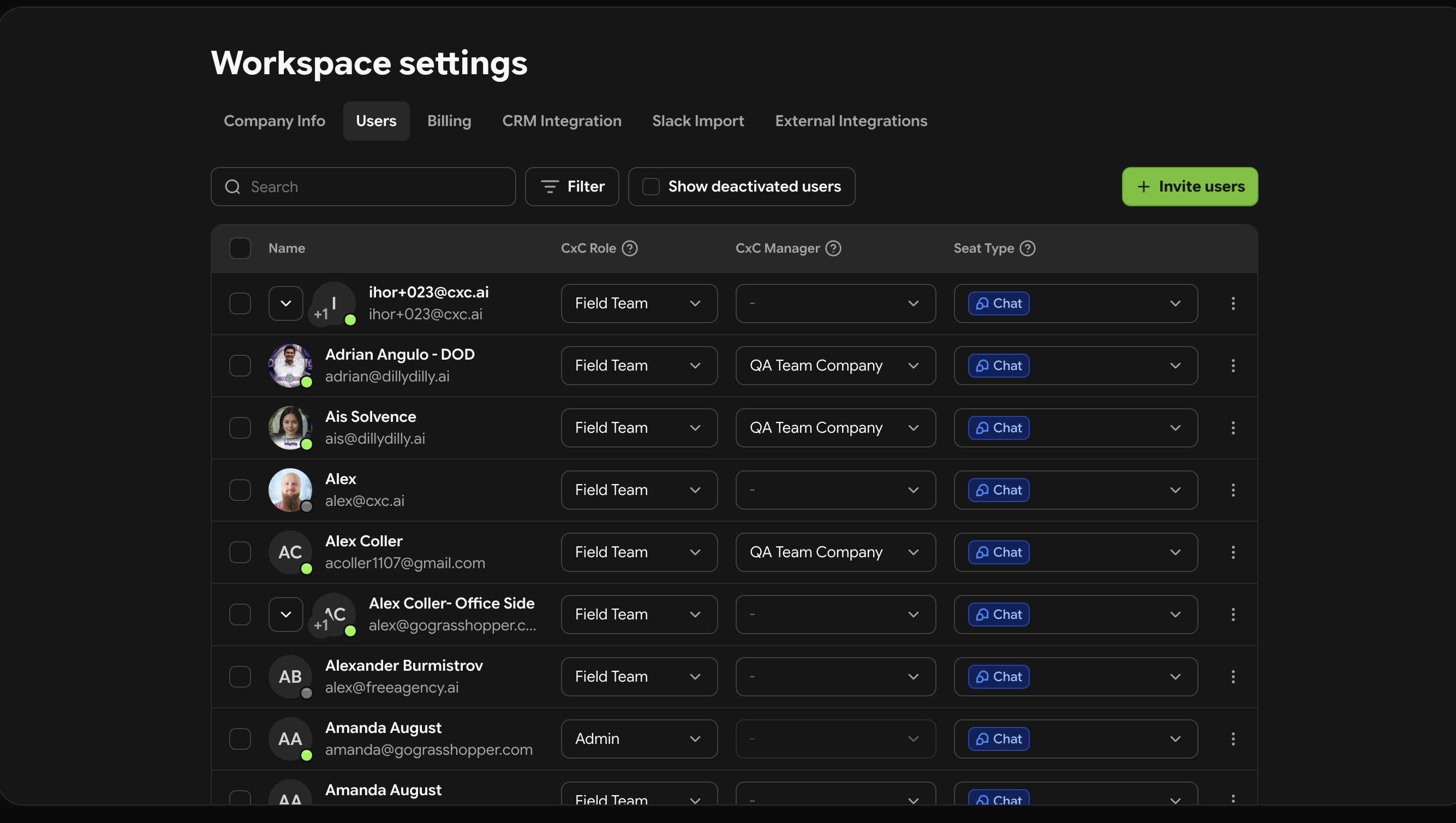
Go to Settings → Team Members
Click Invite Users
Enter their email address
Select their role — Admin, Manager, or Technician
Select their seat type — chat or chat + recording
Click Send Invite
They receive an email with a link to join
What happens after the invite is sent:
The invited user appears in your team list with a Pending Invitation status. Once they accept and create their account, their status changes to Active and they can start using CxC immediately.